Dental Equipment Malfunction: How to Prevent Costly Downtime
What to Do When Dental Equipment Fails During Treatment
A calm, safety-first guide for clinic owners, office managers, dentists, and lead assistants dealing with an unexpected dental equipment malfunction.
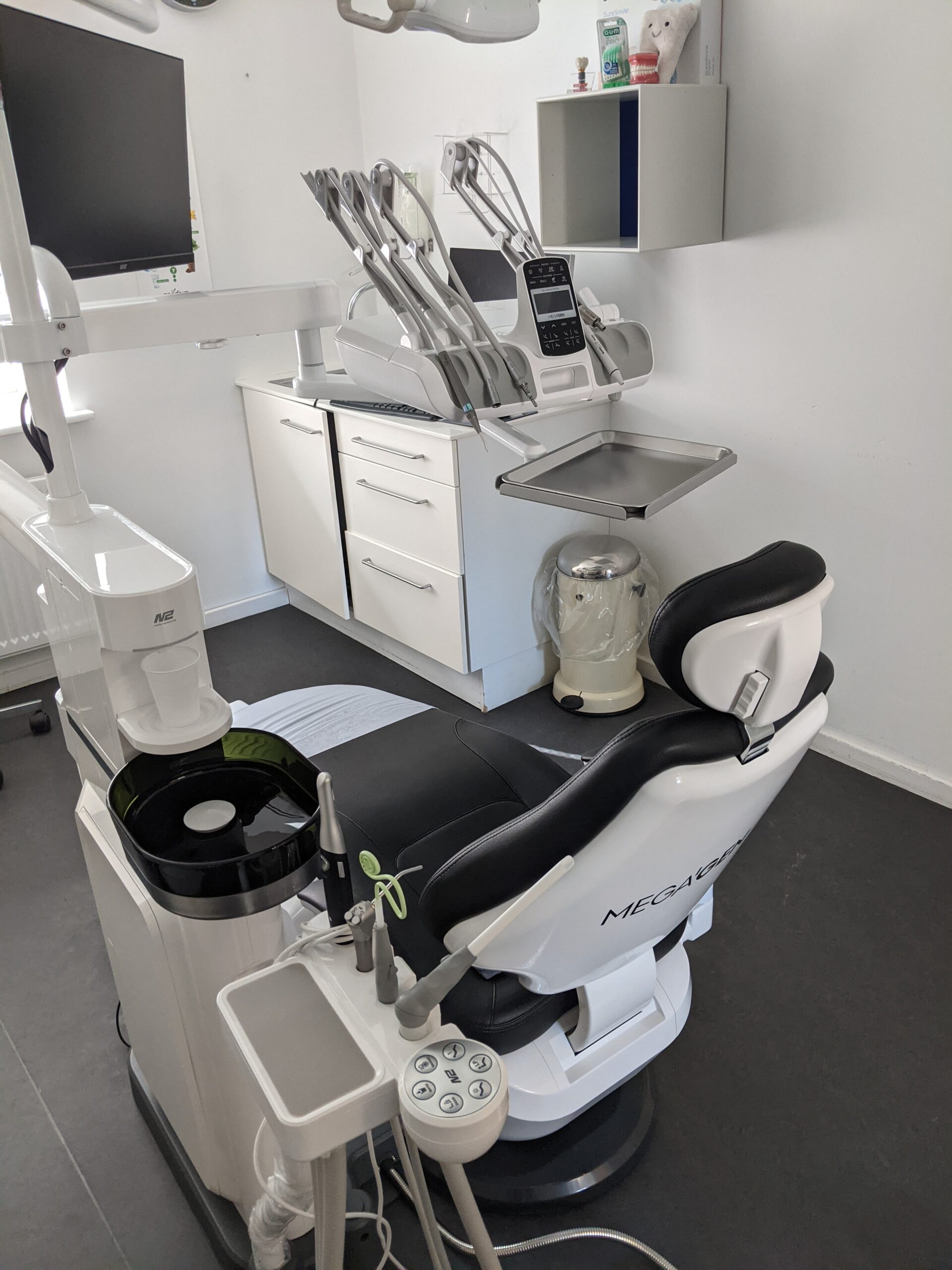
A dental equipment malfunction in the middle of treatment can throw off the whole day fast . One minute room is moving normally, and the next the chair will not rise, the handpiece loses water, the suction drops, or the sterilizer throws a fault and backs up the schedule. When that happens, the goal is not to play hero. The goal is to protect the patient, keep the room under control, and make a smart call on whether the issue is something simple or a real dental equipment failure that needs a technician on site. Equipment downtime can disrupt appointment, delay care, and create avoidable stress for the team and the patient.
Start with the patient, not the machine
If dental equipment fails during treatment, the patient comes first every time. Get them comfortable, explain what is happening in plain language, and decide whether you can safely continue in another room or whether the appointment needs to pause.
If the issue involves anything contaminated, anything that touches instruments, or anything related to reprocessing, do not guess. Dental equipment and instruments need to be handled according to the clinic’s written procedures, staff training, and manufacturer instructions so they are safe for patient care. If you are not sure something is safe, treat it as not ready for use until you confirm otherwise.
A simple rule for the whole team
If the condition of the equipment, instrument, or reprocessed load is uncertain, do not use it for patient care until its safety has been confirmed.
Do a calm first check before calling it a major breakdown
A lot of dental equipment troubleshooting starts with simple things, and that is not a bad thing. Before assuming the worst, check the basics that commonly get missed during a busy day.
This is also the point where you look for the obvious without tearing anything apart. If a wireless control is the only thing that is not responding, it may be a control issue rather than a bigger mechanical problem. If a handpiece loses water but the syringe still works, the fault may be isolated.
If the compressor is down, confirm it is plugged in and that the switch is actually on before assuming the motor has failed. These are small checks , but they can save time and give your technician much better information when you do need to call.
Know when to stop troubleshooting
There is a line between a basic check and a bad decision. If you smell something burning, see heat damage, notice leaking oil or water inside the unit, hear unusual pump noise, or the equipment keeps tripping protection devices, stop using it.
Do not keep pressing the pedal. Do not keep resetting the equipment over and over. Do not open covers and start working around internal electrical, mechanical, pneumatic, or hydraulic components if your team are not qualified to work on the unit.
Stop using the equipment when you notice:
Isolate the unit and remove it from clinical service until the problem has been properly assessed.
- Burning smell or visible smoke
- Heat damage or melted components
- Oil, hydraulic fluid, or internal water leaks
- Repeated breaker or protection-device trips
- Grinding, humming, or unusual pump noise
- Sudden, uncontrolled, or unsafe chair movement
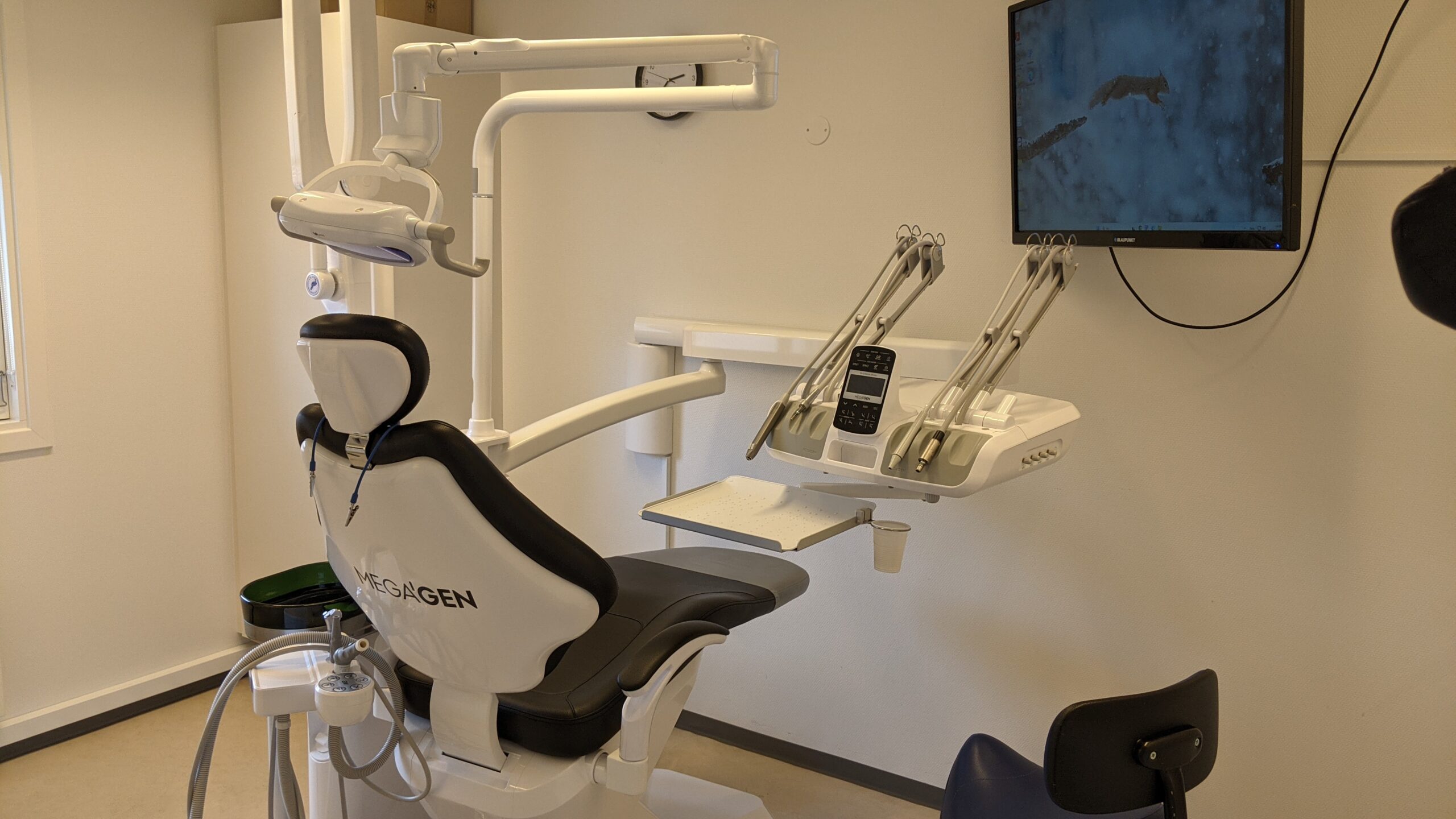
This is especially important with chairs, compressors, suction, and anything with electrical or hydraulic components. A chair that sticks halfway, drifts, or stops repeatedly may have a control issue, a safety interlock, a leak, or a lift problem. BioDen’s dental chair repair service is designed to isolate those faults without putting staff or patients at risk.
A compressor that hums and smells hot is not something to test one more time. When dental equipment stops working in a way that looks unsafe, the safest move is to take the room out of service and arrange professional support.
Be extra careful with sterilizers and anything tied to reprocessing
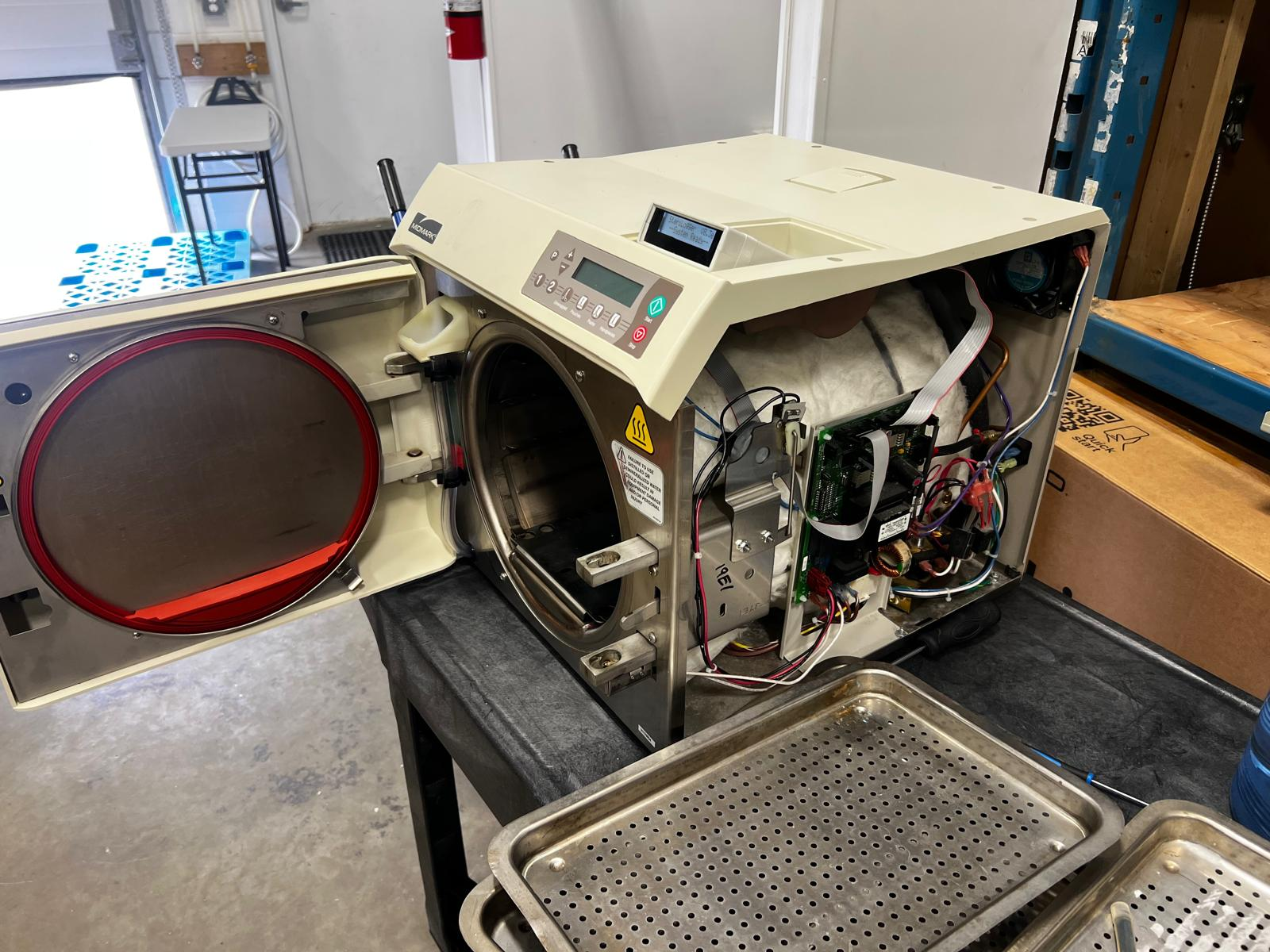
Not every sterilizer problem is a mechanical failure. Loading, cycle interruption, incorrect settings, water quality, operator procedure, or maintenance conditions can also cause an unsuccessful cycle.
Either way, the response should stay strict: do not assume the load is ready, follow your written reprocessing protocol, and return to the manufacturer’s instructions and your monitoring records. If there is any doubt, keep those instruments out of circulation until the problem is resolved.
When the fault continues or the cause is unclear, arrange professional autoclave troubleshooting and repair before returning the sterilizer to clinical use.
Document what happened before anyone starts experimenting
The same practical mindset applies to imaging and delivery systems. If an X-ray unit is inconsistent, a sensor is not reading, or a delivery system loses pressure or water, document exactly what happened before anyone starts experimenting.
Good notes help shorten the repair. “It stopped working” is hard to diagnose. “The syringe still had air but no water,” or “the breaker tripped twice when the compressor tried to start,” is much more useful.
With imaging equipment, record the error message, what control was being used, and whether the issue affected every exposure or only happened intermittently. An inconsistent unit may require proper dental X-ray diagnosis rather than repeated test exposures.
Exact symptom
Describe what the equipment did, not only that it stopped working.
Timing
Note whether the failure was sudden, intermittent, or gradually getting worse.
Related functions
Record which controls, instruments, rooms, or attachments still operated normally.
Physical signs
Report any noise, heat, smell, leak, vibration, or visible damage.
What to tell the technician so service moves faster
When you call for service, have the basics ready. The brand and model help. The exact symptom helps even more. When did it start? Did it fail all at once or get worse over a few days? Does the issue happen every time or only once in a while?
Did anyone notice leaking fluid, noise, heat, or a fault message? Did another control, room, or attachment still work normally? Those symptom-based details help narrow down the fault before and during the service visit.
For handpiece-related problems, also note whether the issue follows one handpiece, one hose, or every connection in the room. That distinction can help determine whether the clinic needs dental handpiece service or troubleshooting of the delivery system itself.
“The syringe has air but no water” gives a technician a useful starting point. “Nothing works” usually requires a much wider diagnostic process.
Why calling a local technician matters in Vancouver
When a clinic in Vancouver is dealing with downtime, speed matters just as much as the repair itself. BioDen supports dental clinics across Vancouver and the Lower Mainland with on-site troubleshooting, repair, and scheduled service for chairs, autoclaves, X-ray units, handpieces, compressors, suction systems, and other core equipment.
If your team is dealing with a dental equipment malfunction and has already completed the safe first checks, that is the right time to bring in a technician who works with this equipment regularly.
BioDen’s dental equipment repair service in Vancouver uses a diagnostic-first approach to identify the cause, explain the available options clearly, and complete the appropriate repair.
- On-site troubleshooting for dental clinics
- Support for multiple equipment categories
- Practical fault isolation before repair
- Clear communication with the clinic team
Stop guessing, protect the patient, and document the symptom
A quick first check is reasonable. Continuing to force unsafe or unreliable equipment is not. When the basic checks do not restore normal operation, remove the unit from service and arrange proper diagnosis before the problem becomes larger.
Dental equipment failed during treatment?
Tell BioDen what happened, which equipment is affected, and whether you noticed an error message, leak, unusual noise, heat, or loss of power. We will help determine the appropriate next step for your Vancouver clinic.
Serving dental clinics across Vancouver and the Lower Mainland.